The email rule you didn't create
One of the first things an intruder does in your inbox is set up a rule to hide their tracks. It is quiet, it is quick, and most people never look.
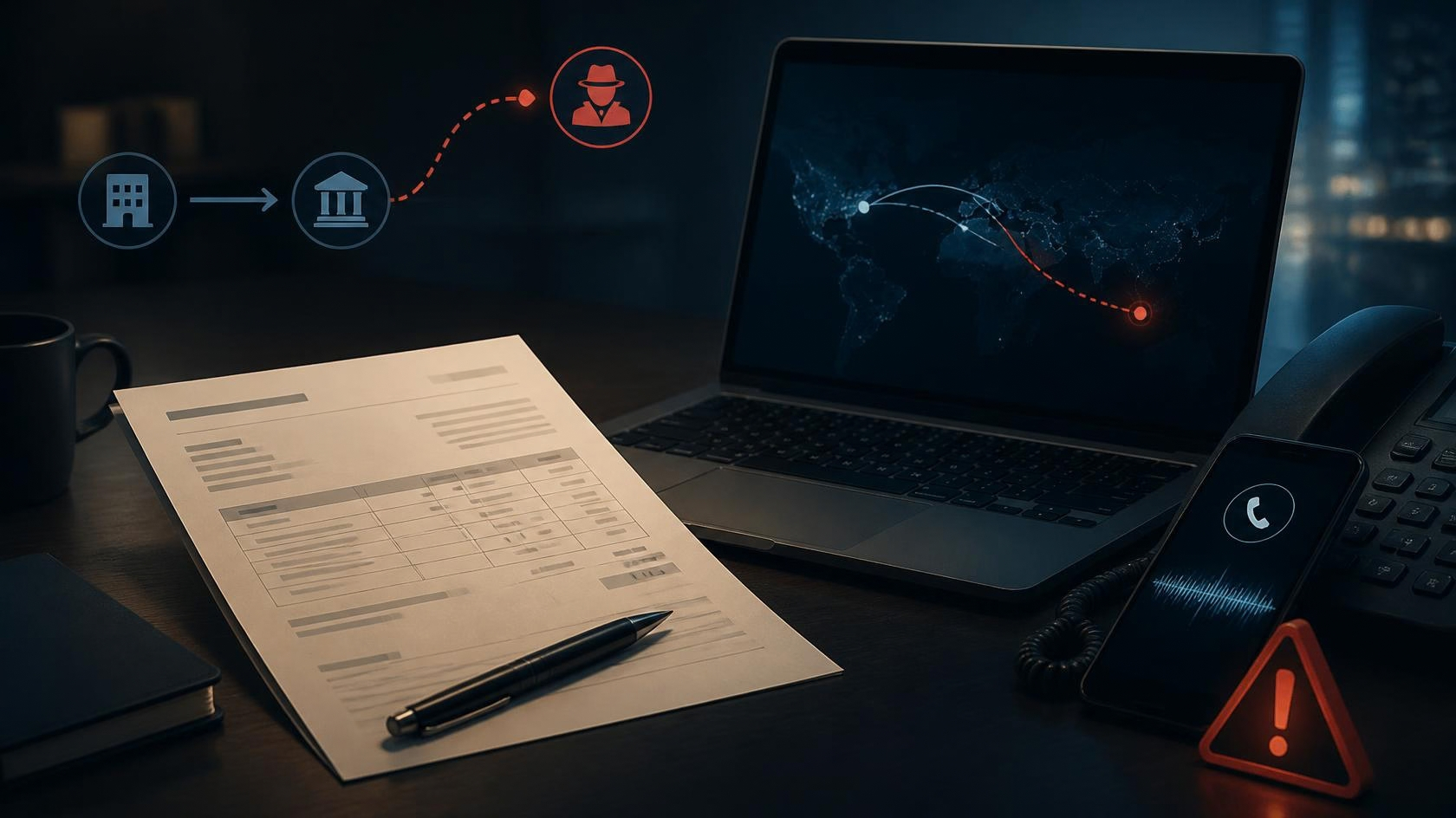
When someone gets into a business email account, the theft is rarely the first move. The first move is to make sure you do not notice they are there. The classic way is a rule you never created: quietly move anything from a particular supplier, or containing the word ‘invoice', straight to a folder you never open, or even to deleted items. From then on, the conversation they are hijacking happens where you cannot see it.
This is the engine behind invoice and mandate fraud. The intruder watches a genuine exchange with a supplier, waits for a real invoice, and steps in with a message asking you to pay to ‘updated' bank details. Because the real supplier's emails are being filtered away from your view, you never see them chasing the payment that has gone somewhere else. The rule is what keeps the fraud invisible until the money is long gone.
The good news is that the rule is also the evidence. It sits in your mail settings under a heading like ‘rules' or ‘filters', and a rule that forwards or hides supplier mail, that you have no memory of creating, is a clear sign the account has been compromised. It takes two minutes to look, and almost nobody does until something has already gone wrong.
So make the check a habit and act fast if you find one. Look at your rules now, delete anything you did not set up, change the password and turn on a second factor so they cannot simply walk back in. And any time a supplier's bank details ‘change' by email, verify it by ringing a number you already had, not one from the message. That single call defeats the whole scheme.
- ✓Open your email rules or filters now and read every one.
- ✓Delete any rule you did not create, especially ones hiding or forwarding mail.
- ✓Change your password and turn on a second factor if you find one.
- ✓Verify any change of supplier bank details by phone, on a number you already had.
- Mandate and invoice fraud: how it works ACTION FRAUD ↗
- Securing email accounts and spotting compromise NATIONAL CYBER SECURITY CENTRE ↗
- Business email compromise and payment redirection UK FINANCE ↗
- Take Five: check before you change a payment TAKE FIVE ↗
Links open each publisher’s live coverage of this topic.