Two-factor codes by text: better than nothing, worse than an app
A code by text is a real improvement on a password alone. It is also the one second factor an attacker can steal without touching your phone.
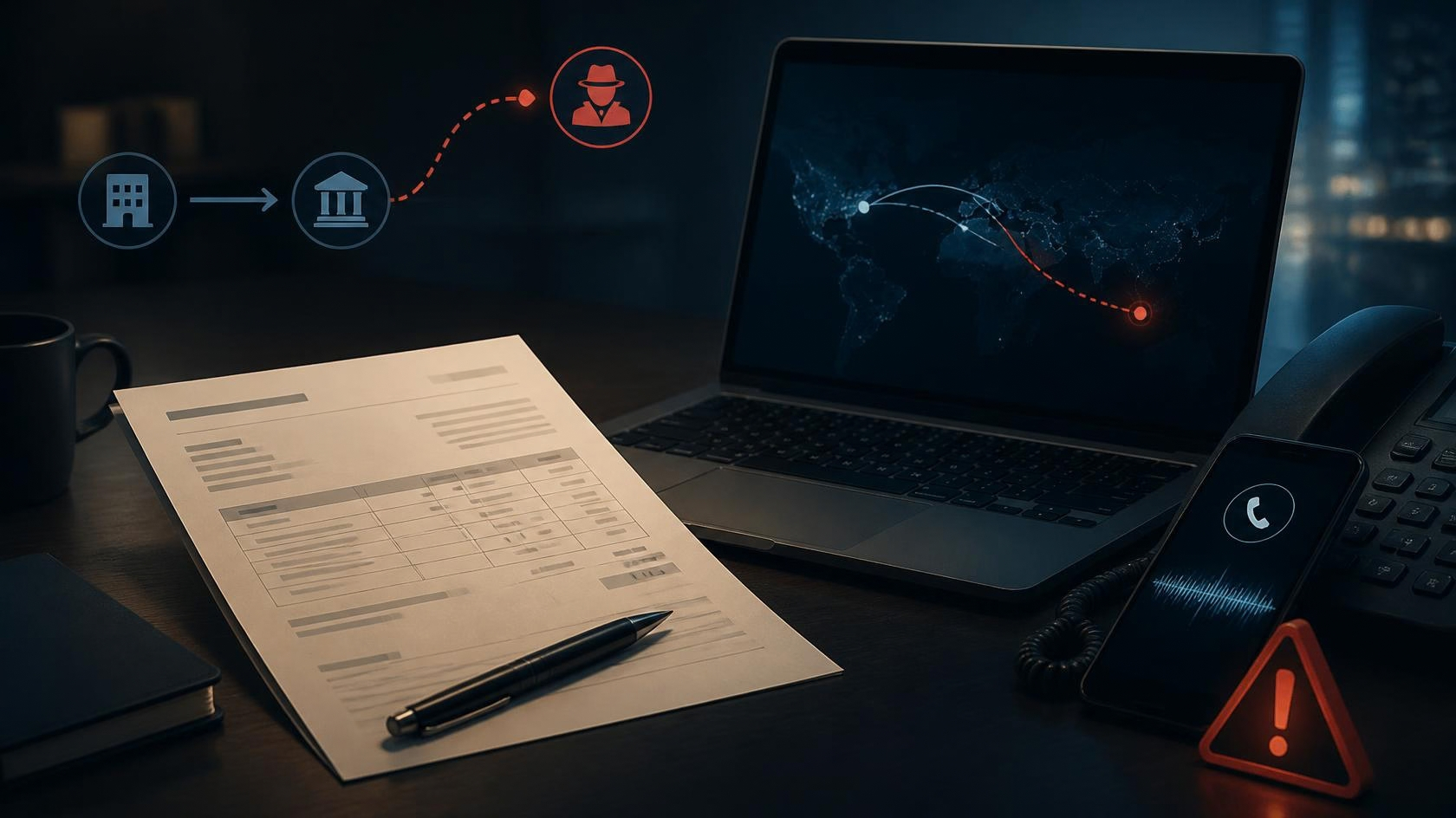
Two-factor authentication by text works the obvious way: you sign in, the service sends a six-digit code to your number, you type it back. For most people, most of the time, it does the job. The password alone is the weak link, and adding any second step blocks the overwhelming majority of the automated attacks that reuse a leaked password.
The problem is the “SIM swap”. Someone who knows enough about you rings your mobile network, claims to be you with a lost handset, and has your number moved to a SIM they control. Every text code then arrives on their device, not yours. It is rare, it takes effort, and it is aimed at accounts worth the trouble - which is exactly why we move email and banking off text codes first.
The better options do not depend on your phone number at all. An authenticator app generates the code on the device itself, so there is nothing to intercept in transit and nothing to redirect at the network. A passkey goes further: it ties the sign-in to the physical device and your face or fingerprint, and there is no code for anyone to phish out of you.
You do not have to change everything at once. Start with the two accounts that unlock the rest - your main email and your bank - because whoever controls your email can reset most of your other passwords. Leave text codes switched on where an app is not offered; keep a couple of backup codes printed and put away. The aim is progress, not a perfect sweep in one evening.
One honest caveat for sole traders and growing teams: if you move to an app or a passkey, you must also plan for the lost or broken phone. Save the recovery codes each service gives you, store them somewhere that is not the phone, and make sure a second person in the business can get back in if you are unreachable.
- ✓Move your main email to an authenticator app or a passkey this week.
- ✓Do the same for online banking, using the app or passkey the bank offers.
- ✓Keep text codes only where no app is available, and never read a code to a caller.
- ✓Print the backup recovery codes and store them off the phone.
- Setting up two-step verification (2SV) NATIONAL CYBER SECURITY CENTRE ↗
- How SIM swap fraud works and how to protect your number TAKE FIVE ↗
- Passwords and account security: our advice WHICH? ↗
- Authentication fraud and account takeover trends UK FINANCE ↗
Links open each publisher’s live coverage of this topic.