Cheap tablets on site, expensive consequences
A budget tablet on site is a bargain until it goes missing with no passcode, no encryption, and no way to wipe it from a distance.
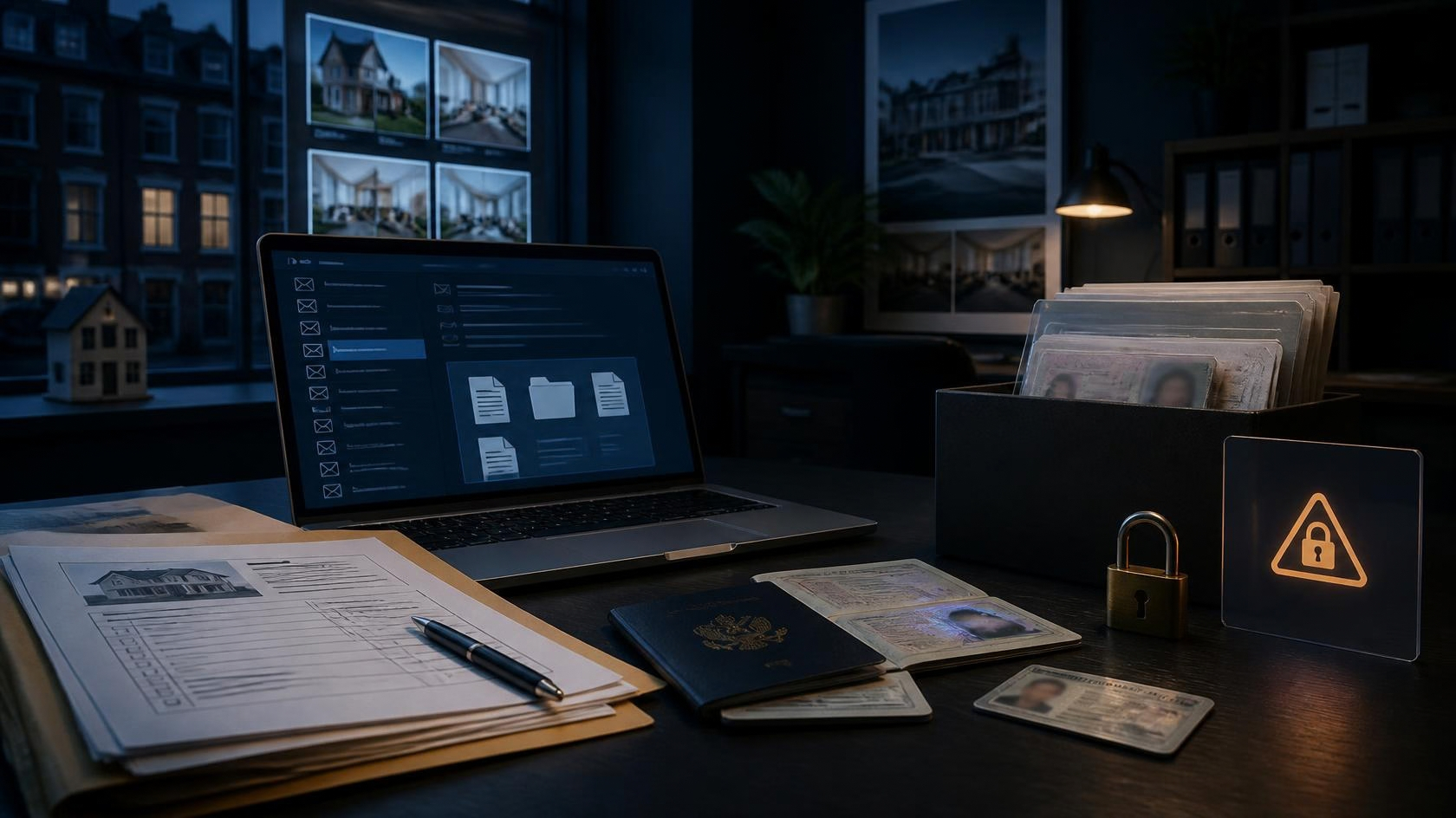
The cheap tablet is a familiar sight on a job: for signing deliveries, showing plans, taking a customer's details, running a quick payment. At forty or fifty pounds it feels like a sensible tool, and it is, right up to the moment it goes missing. Then the price you paid turns out to have very little to do with what it can cost you.
The trouble is what these devices usually lack. No passcode, so anyone who picks it up is straight in. No encryption, so the data on it can be read even if it is locked. And no way to wipe it remotely, so when it is left on a wall or slides off the van seat at a services, whatever was on it is simply gone, into someone else's hands. In most of the sites we check, at least one shared device is in exactly this state.
What is on it matters more than the hardware. Customer names and addresses, signatures, photos, a signed-in app that reaches your accounts or your email. A lost tablet is not a forty-pound problem if it is holding other people's personal data and a live connection to your systems. It can become a reportable breach and a very awkward phone call.
The good news is that the fixes cost nothing and take minutes. Set a passcode or fingerprint, turn on the device encryption that is already built in, and enrol it in a free find-and-wipe service so a lost device can be erased from your own phone. Do it before it goes on site, not after it goes missing.
If the tablet is genuinely too basic to support any of that, that is your answer: it is too cheap for the job. Spend a little more on one that can be locked, encrypted and wiped, and you have bought yourself out of the expensive version of this story.
- ✓Set a passcode or fingerprint lock on every tablet before it goes on site.
- ✓Turn on the built-in device encryption; on most modern devices it is a single setting.
- ✓Enrol each device in a free find-and-wipe service so a lost one can be erased.
- ✓Replace any device too basic to be locked, encrypted or wiped.
- Securing devices: passcodes and encryption NATIONAL CYBER SECURITY CENTRE ↗
- What to do if a device is lost or stolen GOV.UK ↗
- Personal data on lost devices and breach reporting INFORMATION COMMISSIONER'S OFFICE ↗
Links open each publisher’s live coverage of this topic.